
Download Proton Drive – Secure Cloud Storage, End‑to‑End Encryption, Free 15 GB
Overview
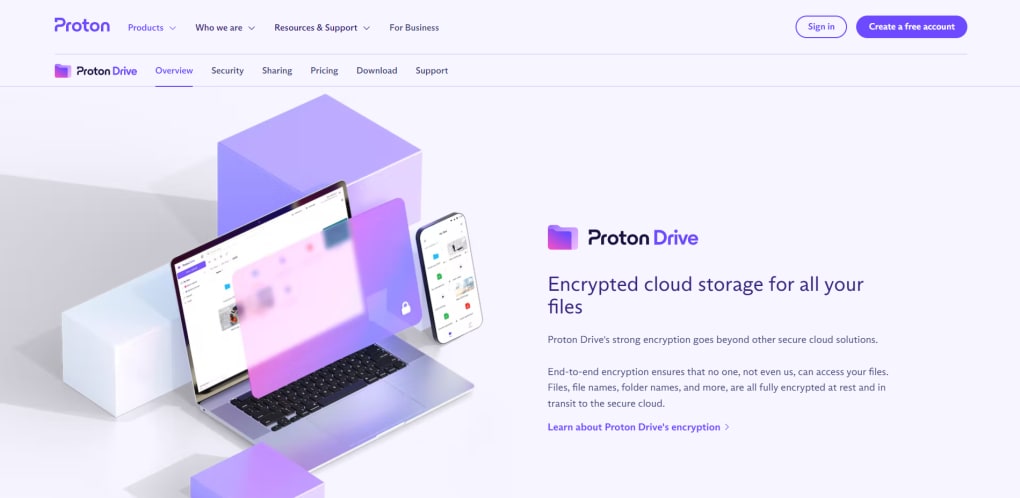
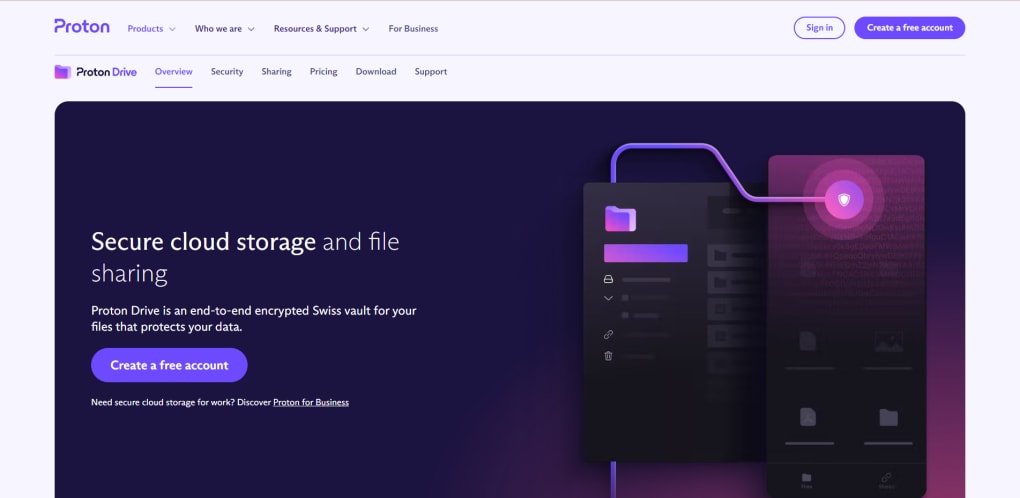
Proton Drive is the latest cloud‑storage offering from Proton AG, the team behind the well‑known ProtonMail and ProtonVPN services. Built on a foundation of end‑to‑end encryption, Proton Drive delivers a secure, privacy‑first environment for storing, sharing, and accessing your files from any internet‑connected device. The freemium model grants every new user 15 GB of encrypted storage at no cost, with the ability to upload individual files up to 10 GB in size.
Unlike many mainstream alternatives, Proton Drive does not collect metadata about your files, and the encryption keys never leave your browser, ensuring that even Proton’s own servers cannot read the contents of your data. The web‑based interface mimics a familiar file‑explorer layout, making it easy to drag‑and‑drop files, create folders, and manage permissions. While offline access is currently unavailable, the platform shines when you need a trustworthy way to share sensitive documents—each shared link can be protected with a password that you transmit separately.
For users who outgrow the free tier, Proton offers paid plans that add more storage, advanced sharing controls, and integration with Proton’s broader suite of productivity tools, such as Proton Calendar and Proton Mail. In short, Proton Drive positions itself as a privacy‑centric alternative to Google Drive, Dropbox, and MEGA, appealing to individuals and businesses that value security without sacrificing usability.
Key Features & Core Functionality
- End‑to‑end encryption applied to every file before it leaves your browser.
- 15 GB of free storage with the option to upgrade for additional space.
- Support for uploading files up to 10 GB in a single operation.
- Password‑protected share links that require a separate password to access.
- Browser‑based interface compatible with Chrome, Firefox, Edge, Safari, and any modern web‑browser.
- Seamless integration with Proton’s ecosystem (Mail, VPN, Calendar).
- Two‑factor authentication (2FA) for added account security.
- Automatic logout after periods of inactivity to protect unattended sessions.
- Granular folder permissions for business users.
- Transparent privacy policy with no data‑selling practices.
These features are not just a checklist; they reflect Proton’s philosophy of putting user privacy first. The ability to share files via password‑protected links means you can collaborate with external partners without exposing the data to third‑party interception. The large single‑file upload limit of 10 GB surpasses many free competitors, making Proton Drive suitable for designers, video editors, and anyone who works with large media assets. Because the service runs entirely in the browser, there is no additional client to install, and the user experience remains consistent across Windows, macOS, Linux, Android, and iOS devices—provided you have a modern web browser. The integration with Proton’s broader suite means you can, for example, embed a secure file link directly in a ProtonMail message, creating a seamless workflow that stays within a single trusted environment.
Installation, Usage Guide & Compatibility
Getting started with Proton Drive is intentionally straightforward. First, visit drive.proton.me and click “Create Account” if you don’t already have a Proton account. The sign‑up process asks for a username, password, and optional recovery email. For enhanced security, enable two‑factor authentication (2FA) via an authenticator app or a hardware key. Once your account is active, you’ll be taken to the main dashboard, which resembles a classic file explorer with a sidebar for navigation, a top toolbar for actions, and a central pane that displays files and folders.
To upload files, simply drag them from your desktop into the browser window or click the “Upload” button and select files from the file picker. Proton Drive will encrypt each file locally before transmitting it over HTTPS to the Proton servers. You can create new folders, rename items, and move files using drag‑and‑drop or the context menu.
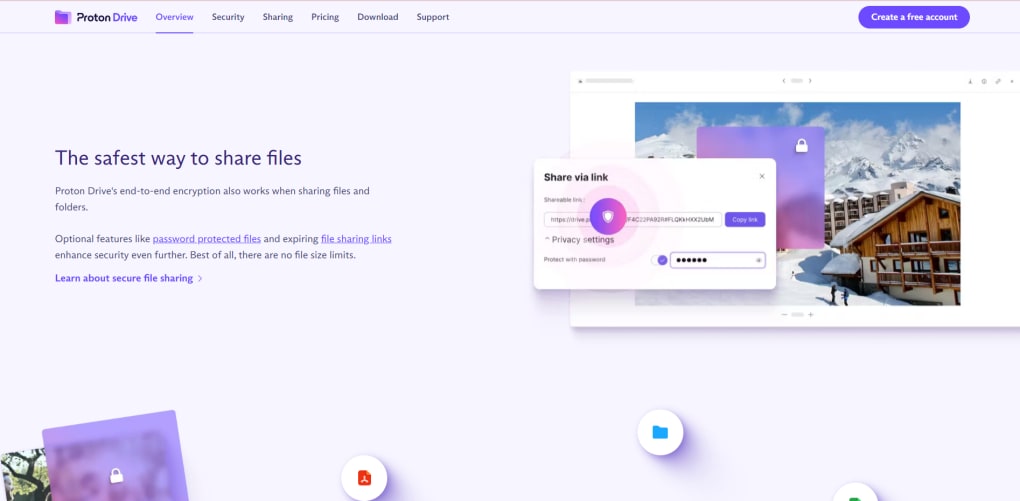
Sharing works by selecting a file or folder, clicking “Share,” and then generating a link. The platform prompts you to set a password for the link; you must communicate that password to the recipient through a separate channel (e.g., email, messenger). Recipients can view or download the shared content after entering the correct password.
In terms of compatibility, Proton Drive runs on any operating system that supports a modern web browser—Windows 10/11, macOS 10.15+ (Catalina and later), popular Linux distributions, Android 8+ (via Chrome or Firefox), and iOS 13+ (via Safari). Because the service is web‑based, there is no need for a native desktop client, although Proton provides a lightweight Progressive Web App (PWA) that you can “install” from the browser for quicker access. The only limitation is the lack of offline access; you must be online to view or download files. However, the responsive design ensures a smooth experience on both large desktop monitors and smaller mobile screens.
Pros, Cons, Frequently Asked Questions & Review
Pros
- Industry‑grade end‑to‑end encryption protects data from both external threats and the service provider.
- Generous 15 GB free tier with a 10 GB single‑file upload limit.
- Password‑protected sharing adds an extra layer of control.
- Cross‑platform browser access eliminates the need for multiple native apps.
- Integration with Proton’s suite enables a unified privacy‑focused workflow.
Cons
- No offline sync or desktop client, which may be a drawback for power users.
- Paid plans are relatively pricey compared with some mainstream competitors.
- Sharing links require a separate password delivery method, adding a step to collaboration.
- Feature set is still growing; advanced collaboration tools (e.g., real‑time editing) are missing.
- Performance can be slower on very large libraries due to browser‑based encryption.
Frequently Asked Questions
Is Proton Drive truly free?
Yes, Proton Drive offers a permanent free tier with 15 GB of encrypted storage and all core security features. You only need to pay if you require additional space or advanced business features.
How does end‑to‑end encryption work in Proton Drive?
When you upload a file, the encryption key is generated in your browser and the file is encrypted locally before it ever leaves your device. The encrypted file is then sent to Proton’s servers, which store it without ever having access to the decryption key.
Can I share files with non‑Proton users?
Absolutely. You can generate a share link for any file or folder and protect it with a password. The recipient only needs a web browser to download the content after entering the correct password.
What happens to my data if I cancel a paid plan?
If you downgrade to the free tier, any data exceeding the free storage limit will remain accessible but you won’t be able to upload additional files until you free up space or upgrade again.
Is there a mobile app for Proton Drive?
Proton Drive is primarily browser‑based, but you can add it as a Progressive Web App (PWA) on Android and iOS for a more app‑like experience. A dedicated native app is planned for future releases.
Review
Proton Drive delivers on its promise of privacy‑first cloud storage. The encryption model is transparent and robust, and the 15 GB free tier is generous enough for everyday use. While the lack of offline sync may deter power users, the secure sharing workflow and seamless browser compatibility make it an excellent choice for individuals and small teams that prioritize data confidentiality over advanced collaboration features.
- Pros: Strong encryption, generous free tier, password‑protected sharing.
- Cons: No offline access, premium pricing for extra storage.
Conclusion & Call to Action
If you’re searching for a cloud‑storage solution that puts your privacy front and center, Proton Drive stands out as a compelling alternative to the mainstream options. Its end‑to‑end encryption, sizable free allocation, and password‑protected sharing give you confidence that your files stay private, whether you’re storing personal photos or sensitive business documents. The web‑only approach means you can access your drive from any device without juggling multiple apps, though power users may miss an offline sync feature. For individuals who need a secure vault for everyday files, the free tier is more than sufficient. For teams or businesses that require additional storage and granular permission controls, the paid plans integrate neatly with Proton’s broader ecosystem of secure services.
Ready to protect your digital life? Download Proton Drive now, create your free account, and experience encrypted cloud storage that truly respects your privacy.



.png)



